
Can SprayConeAI measure real dimensions?
SprayConeAI can evaluate dimensions when the image contains a suitable calibration reference.
For this purpose, users can place a calibration sticker, ruler, or another object with a known size next to the spray pattern. The software can then convert pixel dimensions into physical units.
Without calibration, SprayConeAI can still compare relative dimensions and pattern shapes.
How to Use the SprayConeAI® Calibration Sticker
The SprayConeAI® calibration sticker can be downloaded and used free of charge.
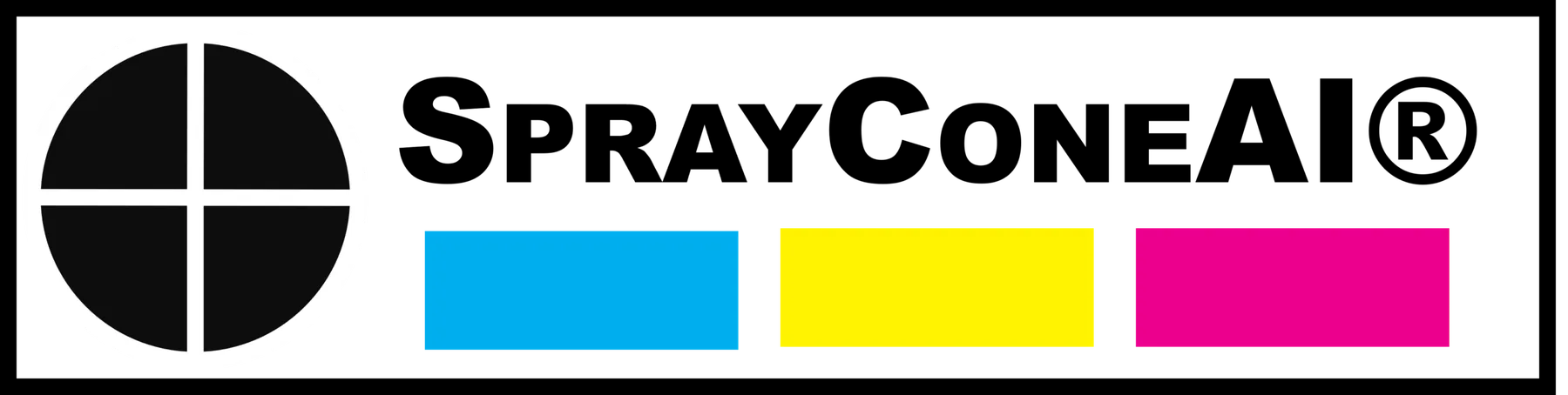
You can print the calibration sticker yourself and use it directly in laboratory tests, production environments, or spray-pattern documentation. The sticker provides a defined reference scale that enables SprayConeAI to determine the actual dimensions of the recorded spray pattern.
When analyzing an image, enter the exact height and width of the printed calibration sticker. SprayConeAI® uses these dimensions to calculate the real width, height, area, and other geometrical properties of the spray cone.
By default, SprayConeAI contains calibration values for the DIN A4 version of the sticker:
- Height: 32 mm
- Width: 128 mm
The sticker can be resized before printing. However, the dimensions entered into SprayConeAI must always correspond to the actual printed size.
As an alternative to printing the SprayConeAI sticker, you can download and print a prepared DIN A4 sheet that already contains the calibration sticker in the correct default dimensions. The corresponding files are available below.